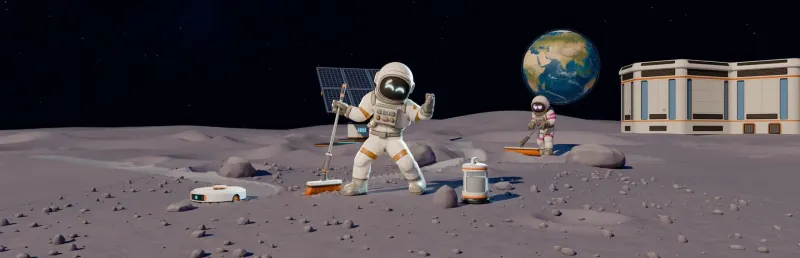
Moon Sweepers automation lets you move dust capsules to the station and sell them without carrying each load back yourself. Start with the Moon Sweepers conveyor belt guide to connect your route. Then use the Moon Sweepers auto selling guide to choose a capsule source and check payment. A Packager still needs your collected dust; a Robot Vacuum can handle local collection.
How do you connect a Moon Sweepers conveyor belt?
Equip the Building Tool, select Conveyor, and connect the Packager output to the Depot intake with the arrows pointing toward the Depot. Follow the Moon Sweepers conveyor belt setup to test a short route before extending it.
How does Moon Sweepers auto selling work?
Capsules sell automatically when your Conveyor delivers them into the station intake; check that your balance increases when a load arrives. Use the Moon Sweepers auto selling guide to connect a Packager, Robot Vacuum, or Garage Silo output.
How do you connect a Moon Sweepers factory layout?
A basic fully automated factory runs a Capsule Catcher into three Pressure Chambers, each feeding its own Stone Press, with the output belted to the station; power it with Solar tracker (L) panels only. Use a Merger to combine several collection routes onto one belt. Start with a working selling route, then follow the auto selling network guide to add more sources.
Why does Moon Sweepers production stop?
Check the machine's power, required input materials, and clear output route; solar-powered processing can stop after stored battery energy runs out at night. Use the auto selling production checks to find where material first backs up.
How do you start a Moon Sweepers production line?
Start with a short Packager-to-Depot connection and test a capsule before you extend the route toward your cleaning area. Follow the Moon Sweepers conveyor belt guide for that first connection, then check delivery and payment before adding sources.